Why Early Startups Need a Design System in Week One
A basic design system saves early startups real hours and money by week three. Here is exactly how to build one without slowing down.

Why Early Startups Need a Design System in Week One
You are moving fast. You have a designer, a developer, maybe a co-founder who has opinions about fonts. Everyone is shipping. Nobody has time to stop and document a color palette.
That is exactly when the damage starts.
The Problem Nobody Names Until Week Four
By week three of almost every early-stage product we build at Amazesofts, the same thing happens. There are two versions of the primary button. The heading on the dashboard is a different weight than the heading on the onboarding flow. The spacing between cards on mobile is 16px in one place and 24px in another. None of this was decided. It just accumulated.
At that point, a founder has two choices. Ship with the inconsistency and fix it later, which means the fix costs three times as much because now it is spread across 40 screens. Or stop, audit everything, and rebuild the foundations. We have seen both. Neither is fun.
When we built Payonix, a full digital banking product, we made a deliberate call at the start: one spacing scale, one type scale, one set of color tokens documented in a single Figma page. Not a full design system. Not a Storybook instance. Just constraints that every decision could reference. By week six, the developer was not asking the designer anything about spacing. He already knew.
What a Design System Actually Means for a Pre-Series A Team
Forget the enterprise version of this conversation. A design system for an early startup is not a 200-component library with accessibility annotations and a changelog. It is three things written down before anyone writes a line of code:
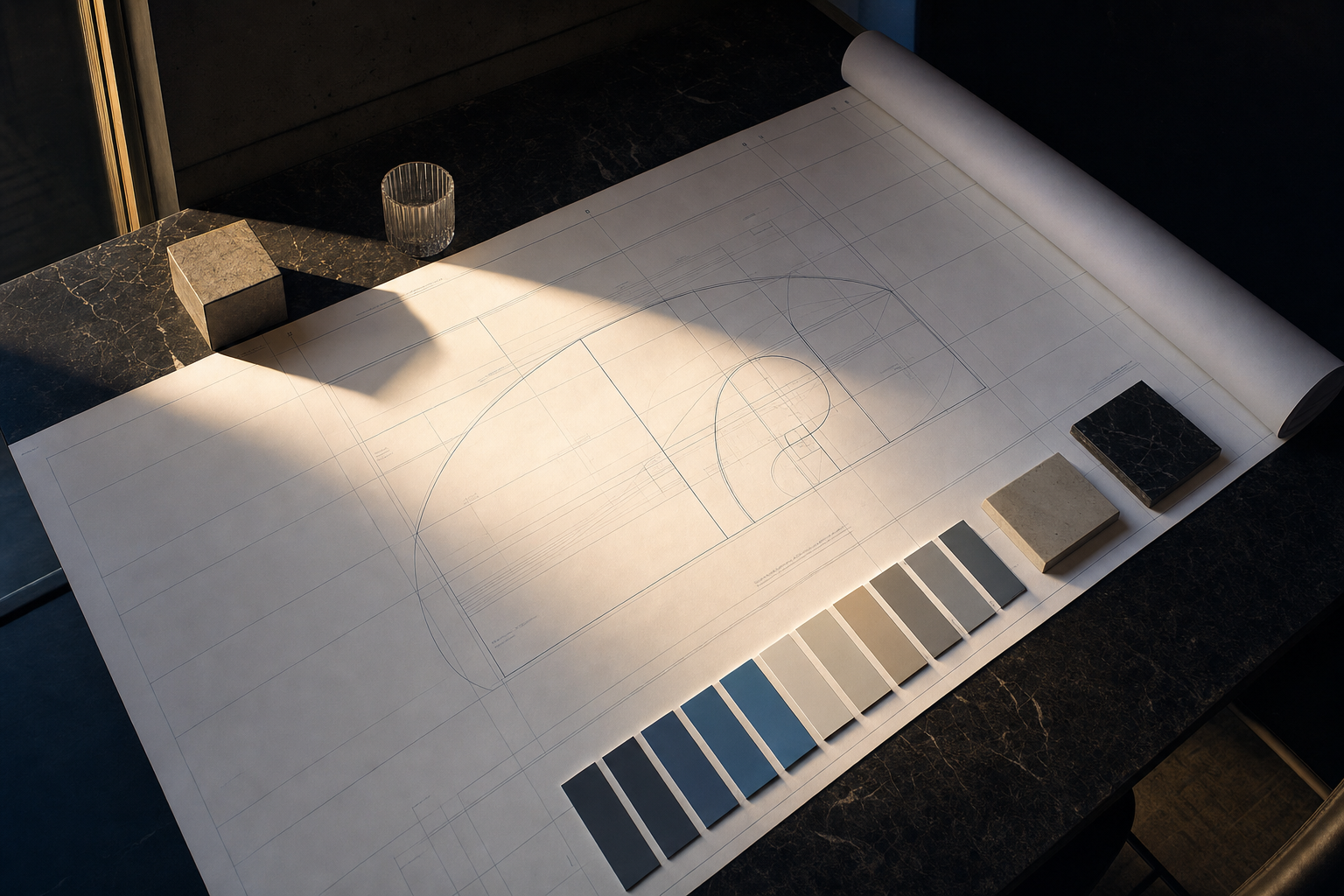
- A color token set: primary, secondary, neutral, error, success, with exact hex values.
- A type scale: four or five sizes, named by role (display, heading, body, caption), not by pixel value.
- A spacing scale: usually 4px base, with named steps (xs, sm, md, lg, xl).
That is it. One Figma page. Thirty minutes to create. That document will save your team between 8 and 15 hours of rework by the end of month two. We have measured this across multiple builds.
The AI-Generated Component Library Argument Is Mostly Right
In 2026, the conversation has shifted and it should have. Tools like v0, Claude artifacts, and Cursor can scaffold a component library in hours. Founders are building on shadcn/ui and Radix UI instead of hand-building buttons and modals from scratch. That is the correct call.
But here is where founders get caught. They treat AI component generation as a replacement for foundational constraints. It is not. It is a replacement for manual component building. Those are different things.
When you prompt v0 to generate a dashboard layout without a color token system, you get a dashboard. When you need to change the primary color across 30 components three weeks later, you are doing it manually. When you have a token, you change one value and everything updates.
The teams winning in 2026 are doing both. They use shadcn/ui or Radix as their component foundation. They skip Storybook entirely at the pre-Series A stage. And they maintain a living Figma doc with their core tokens that feeds every AI generation prompt and every developer decision. The moat is no longer in the component layer. It is in the product logic and the user experience. But coherence still requires a foundation.
A Real Example: What Rework Actually Costs
On RepurposeOne, an AI content repurposing SaaS we built, the initial scope did not include a formal design system phase. The client wanted to move fast. We moved fast.
At week three, the product had five screens. It also had three button variants that were not intentional variants, they were accidents. Two type sizes that were close enough to look like mistakes, not choices. And a modal component that had been built twice by two different people because nobody checked whether it already existed.
We stopped. We spent four hours documenting a token system retroactively and refactoring the components to match. Four hours at that stage. The same work at week ten, across 20 screens, would have been closer to 20 hours. We know because we have done that version too.
The Objection Worth Taking Seriously
Some founders will say: we are still figuring out what the product even is. Why invest in design consistency when the whole thing might change?
That is a real concern. And it is answered by keeping the system minimal. You are not building a library. You are writing down three pages of constraints. If your product pivots, you update a Figma page and re-prompt your component generator. The cost of changing a token system is close to zero. The cost of hunting down every hardcoded hex value in your codebase is not.
The pivot argument is actually the strongest case for a token system, not against it.
What You Can Do Today
If your product is currently in build or about to start, block two hours this week. Open Figma. Create one page called 'Tokens.' Define your color roles, your type scale, and your spacing steps. Share it with your developer before they write a single style. Pin it in your team Slack channel. Reference it in every design review.
That document will not slow you down. It will be the reason you do not spend a full sprint in month three fixing the visual debt that every fast-moving team accumulates without one.