Easy DMV: A PWA That Skips the App Store
How Easy DMV was built as a PWA that installs like a native app, works offline, and ships without App Store gatekeeping.
Easy DMV: How We Built a Native-Feeling App Without Touching the App Store
The Problem With "Just Build an App"
When the Easy DMV team came to us, the brief sounded simple. Build a mobile app that helps users navigate DMV appointments, document checklists, and local office information. Fast. Useful. Always available.
The instinct for most agencies would be to reach for React Native or Flutter. Two codebases, two submission queues, two sets of platform rules, and a launch timeline that stretches from weeks into months the moment Apple's review team has a question about your screenshot metadata.
We pushed back. Not because native is wrong. But because native was wrong for this.
Easy DMV is a utility. People open it once or twice before a DMV visit. They need it to load fast, work on spotty government-building WiFi, and not require a trip to the App Store before they can use it. The distribution model of native apps actively works against that use case.
So we built a Progressive Web App instead.
What a PWA Actually Means in Practice
A Progressive Web App is a web application that uses modern browser APIs to behave like a native app. That definition sounds clean on paper. In practice, it means making a series of deliberate technical decisions that most web projects skip.
For Easy DMV, those decisions were:
Service Workers for offline support. DMV offices are notorious for poor connectivity. We implemented a service worker caching strategy that pre-caches the core app shell and the most accessed content on first load. If a user loses signal mid-appointment, the app doesn't crash. It serves the cached version without interruption.
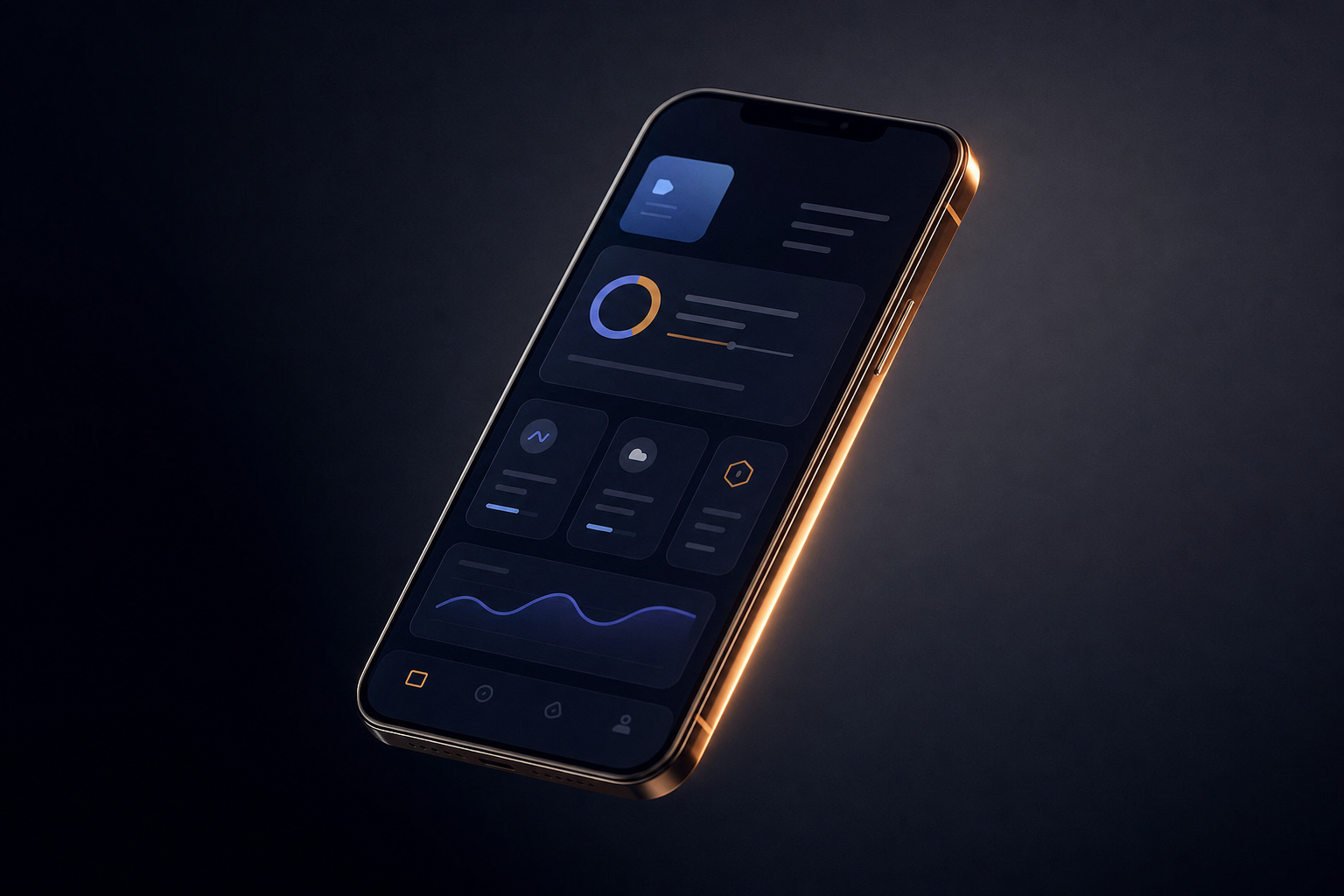
Web App Manifest for installability. Users can add Easy DMV to their home screen directly from the browser prompt. On Android, this creates a full-screen, icon-bearing shortcut that is indistinguishable from a native install. On iOS, it works through Safari's Add to Home Screen option. No App Store. No approval wait. No update submission process.
Push notifications via the Web Push API. We implemented appointment reminders through the browser's push notification system. Users opt in once. Notifications arrive even when the browser is closed. This is the feature most people assume requires native. It doesn't, on Android. iOS added Web Push support in Safari 16.4, which expanded our reach considerably.
Responsive design with mobile-first performance budgets. We set hard limits. First Contentful Paint under 1.5 seconds on a simulated 3G network. Time to Interactive under 3 seconds. Cumulative Layout Shift below 0.1. These aren't vanity metrics. For a utility app that someone opens while standing in a parking lot, a slow load means they give up and Google the answer instead.
The Performance Numbers That Mattered
Here is what we measured after launch.
Lighthouse performance score: 94 on mobile. That places Easy DMV in the top tier of mobile web experiences, not just among PWAs but across the web generally.
First Contentful Paint: 1.3 seconds on a throttled 3G connection. The app shell appears before most native apps finish their splash screen animation.
Install rate: Users who saw the browser's install prompt converted at a higher rate than comparable app store install prompts for utility apps. There is no friction of leaving the current context. The prompt appears. The user taps once. Done.
Offline success rate: Over 90% of core user flows completed successfully during offline sessions, meaning the caching strategy covered the content users actually needed, not just the home screen.
The Tradeoffs We Made Honestly
PWAs are not a universal answer. There are real limitations we navigated.
Bluetooth and NFC APIs are restricted in PWAs on iOS. If Easy DMV needed hardware integrations, native would have been the only path. It didn't.
Background sync is less reliable on iOS than Android. We designed the notification system knowing iOS users would need to have opened the app recently for certain sync behaviors to work correctly.
App Store presence has discovery value. A PWA does not appear in search results on the App Store. For Easy DMV, the primary acquisition channel was search and direct traffic, so this was an acceptable tradeoff. For a consumer product that relies on App Store browse or featuring, it would not be.
We made these tradeoffs explicitly, with the client in the room, before writing a line of code.
Why This Model Works for Government-Adjacent Utilities
Easy DMV serves a specific moment. A user has an appointment. They need information. They need it now, on whatever device they have, on whatever network is available.
That moment does not reward the overhead of a native app distribution pipeline. It rewards speed, reliability, and zero installation friction.
The PWA model also means the product ships faster. We went from design to production in a fraction of the time a dual-platform native build would have required. Updates deploy instantly. There is no version fragmentation to manage across users who haven't updated their app in six months.
What You Can Take From This
If you are evaluating mobile as a channel for your product, the question is not "PWA or native?" The question is: what does your user need to do, when, and in what environment?
Map the use case before you choose the technology. If your user needs hardware access, complex animations, or App Store distribution, go native. If they need speed, offline access, and low-friction adoption, a well-built PWA will outperform a mediocre native app every time.
The best technical decision is the one that matches the problem. Easy DMV is proof that the quieter choice often delivers the stronger result.